How to equip an office ergonomically?

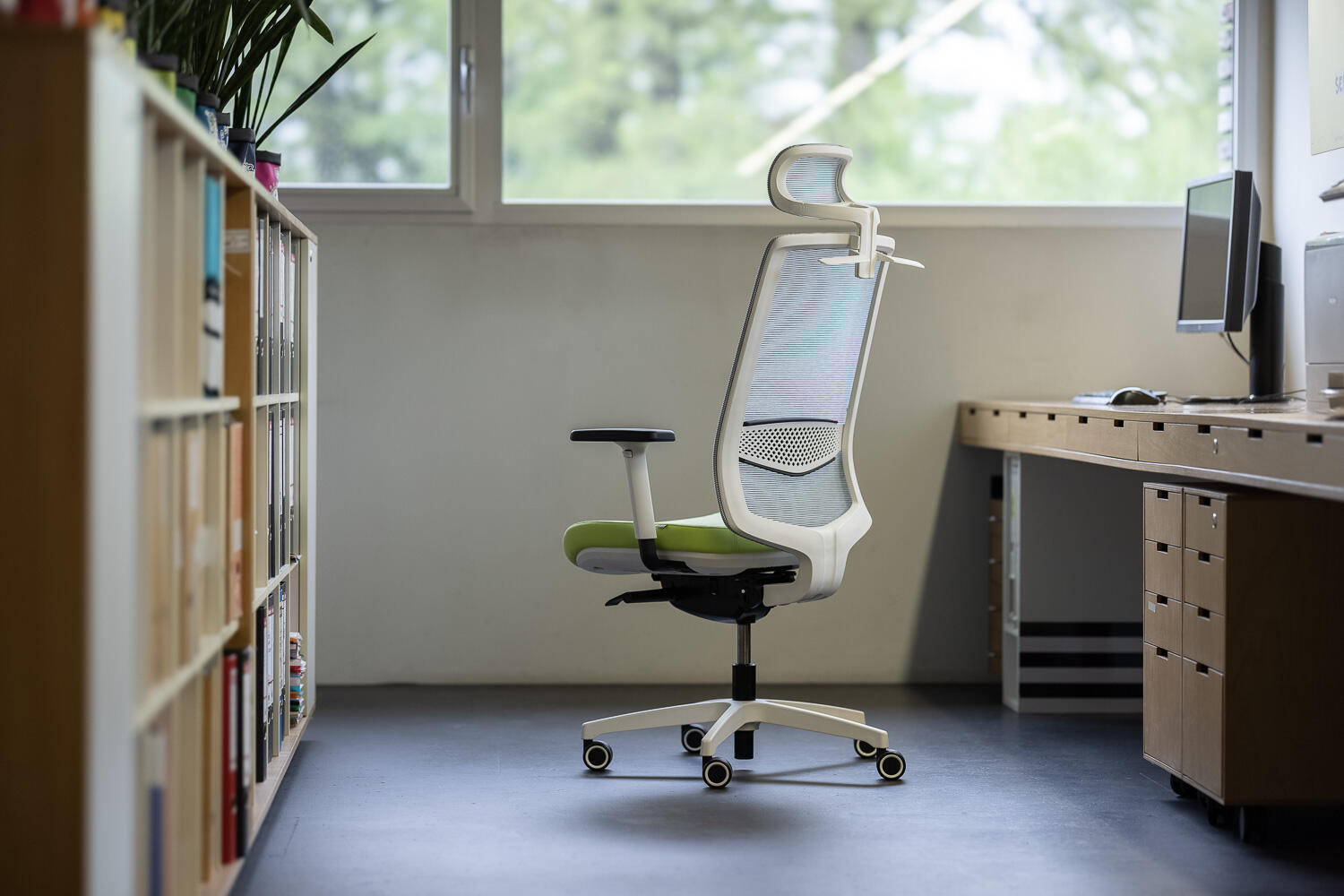
1. Carefully selected office chair

A chair for healthy sitting should support dynamic seating, follow the shape of your back, have a height-adjustable backrest, seat and armrests, adapt to your weight and respond to your body movements. The chair is an essential part of the office that you should pay the most attention to.

2. Workstation setup and desk adjustment

When working at the computer, it is necessary to monitor the position of your shoulders, arms, elbows, wrists and hands. Too high a desk will force you to lift your shoulders and arms, creating an acute angle at the elbows, forcing the wrists up. Your desk should allow you to maintain a comfortable angle of approximately 90° at your knees and elbows. Generally, the height of your desk should be approximately 70 cm from the floor. The top of the screen should be at your eye level when sitting upright. Never place the screen or keyboard so that you have to turn your head or torso towards it.

3. Changing working positions

Height-adjustable desks that allow you to change working positions are an ideal solution. Changing positions relieves your spine and musculoskeletal system. Furthermore, modern offices are equipped with zones with ergonomically designed armchairs and sofas that allow you to change the environment and work in a different position. And do not forget to do short exercises during working hours. This helps refresh your mind and stretch stiff muscles.